The app
A camera, a darkroom and a journal, in one app.
Frame Camera is a digital camera for iPhone inspired by classic photography. You shoot with looks inspired by classic film stocks, lenses and photographers, and with recipes, develop every frame without losing the original, and publish the roll as a story, all without leaving the app.
The Camera
A camera made for people who care about the picture before they press. What you see in the viewfinder is the final look, calibrated against RAW, so there are no surprises later.
- Classic looksDozens of looks inspired by film stocks, camera simulations and classic photographers, plus black and white. Each one is calibrated against RAW, with grain and halation.
- RecipesFujifilm-style settings on top of any look: dynamic range, highlights and shadows, color, white balance, grain, sharpness, toning. Save your own or paste a published one.
- Capture modesPURE (a single RAW frame, no Apple processing), ProRAW up to 48 MP and HEIF. The untouched original is kept for later.
- Lenses in millimetresEvery lens of your iPhone in mm, plus crops at 24, 28, 35 and 50 mm with a frame in the viewfinder.
- Framing toolsTen frame formats, composition grids, exposure compensation and Camera Control support, even with the iPhone locked.


The Lightbox
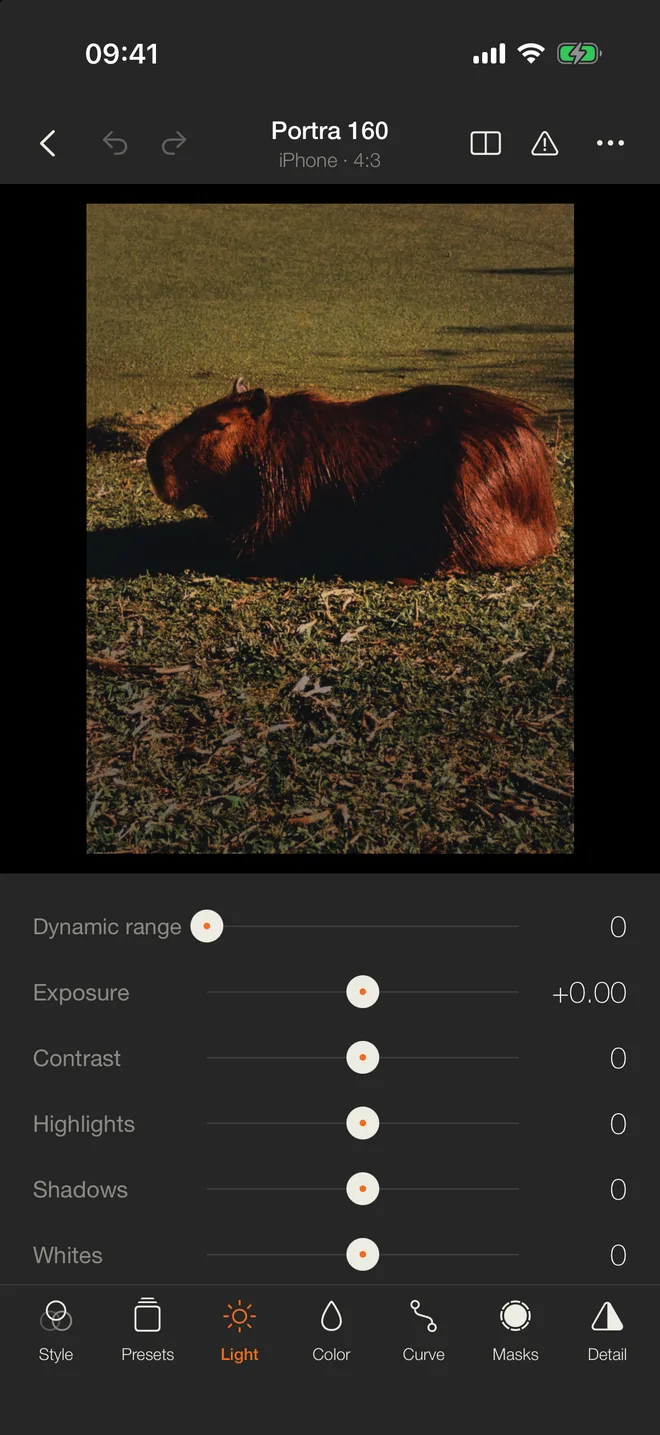
Every photo you take lands in the Lightbox, together with your iPhone roll. It is a full darkroom, and nothing is destructive: the RAW or the neutral original never changes, so you can change the look, the recipe or the crop at any time.
- Light and colorExposure, contrast, highlights, shadows, whites, blacks, fade, temperature with an eyedropper, vibrance, a color mixer, grading and calibration.
- Curves, masks and detailPoint and parametric curves, linear, radial, brush, color and luminance masks, sharpening, noise reduction, distortion and vignette.
- PresetsSave your own, set their strength from 0 to 200%, and import or export Lightroom presets.
- OrganizeAlbums of your own plus automatic ones by day, look and mode, stars and flags, copy and paste edits across a whole roll.
- ShareExport JPG with size, quality, watermark and borders, collages of 2 to 6 photos, and a classic frame for Instagram Stories.
The Journal
When a roll deserves more than a grid, turn it into a story. Pick photos or a whole album in the Lightbox and the Journal builds the first draft for you; then shape it right on your iPhone.
- StoriesA full-screen cover, photographs in sequence at three widths, galleries and mosaics, photo and text side by side, quotes, banners, video and footnotes.
- Your choice of audiencePublic on your page, private, or behind a password. Publishing a story publishes its photos too.
- Your pageYour stories and public photos live on a page of your own, each photo with the look and, if you want, the recipe it was made with.


Follow, borrow, get inspired
Frame Story is social without the scoreboard. There are no likes or public follower counts, only people making photographs.
- TodayStories and photos from the people and the looks you follow, newest first.
- Use this lookSee a photo you love? Open its look, or its exact recipe, in your own camera with one tap. The photographer gets a note that you used it.
- InspirationKeep photos in a private moodboard for your next roll. The photographer only gets an anonymous note.
- Private notesInstead of public comments, send the photographer a note only they can read.