
Frame Studio for iPad
Your stories and your darkroom, on a big screen.
Sign in with the same account you use on the site and on Frame Cam: your photos and your stories are already there.
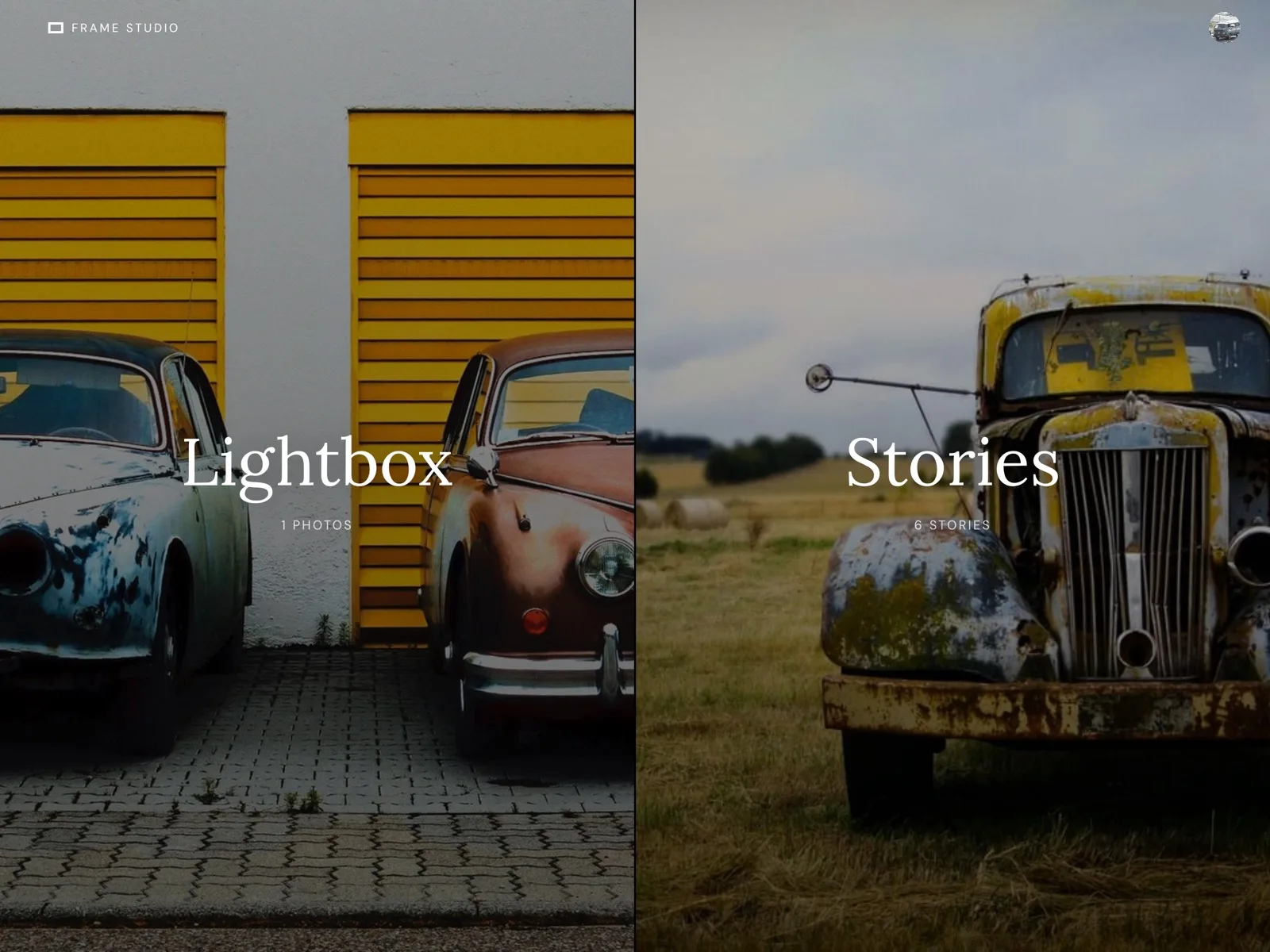
The studio
Write, develop and publish on iPad.
Write around your photographs, develop them with the same looks as Frame Cam, and publish to Frame Story without leaving the iPad.
Stories
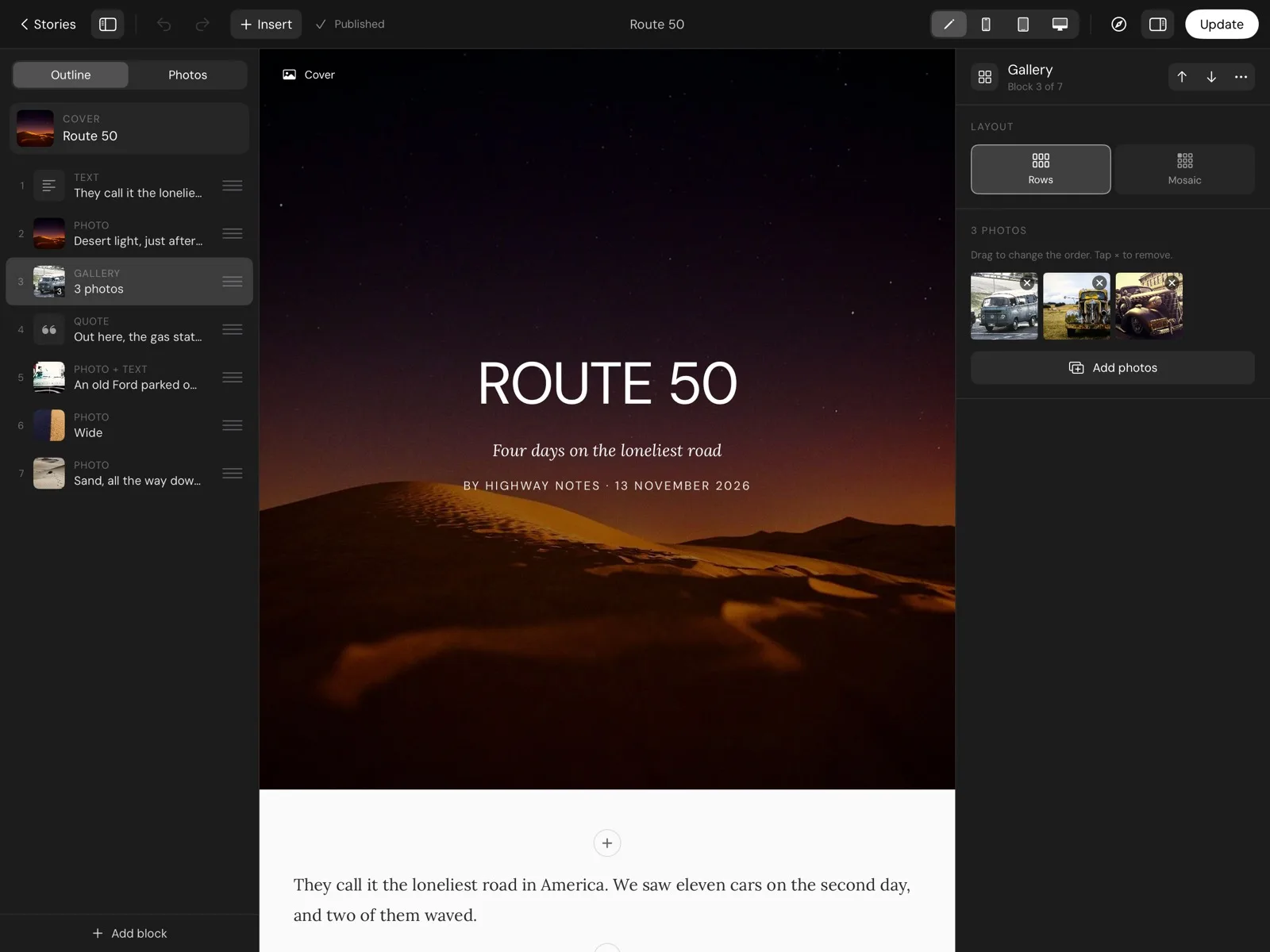
Write with room to breathe.
Covers, photographs at three widths, galleries, text, quotes and banners. Bold, italic and links show as you type, in the same typefaces readers see.
Develop
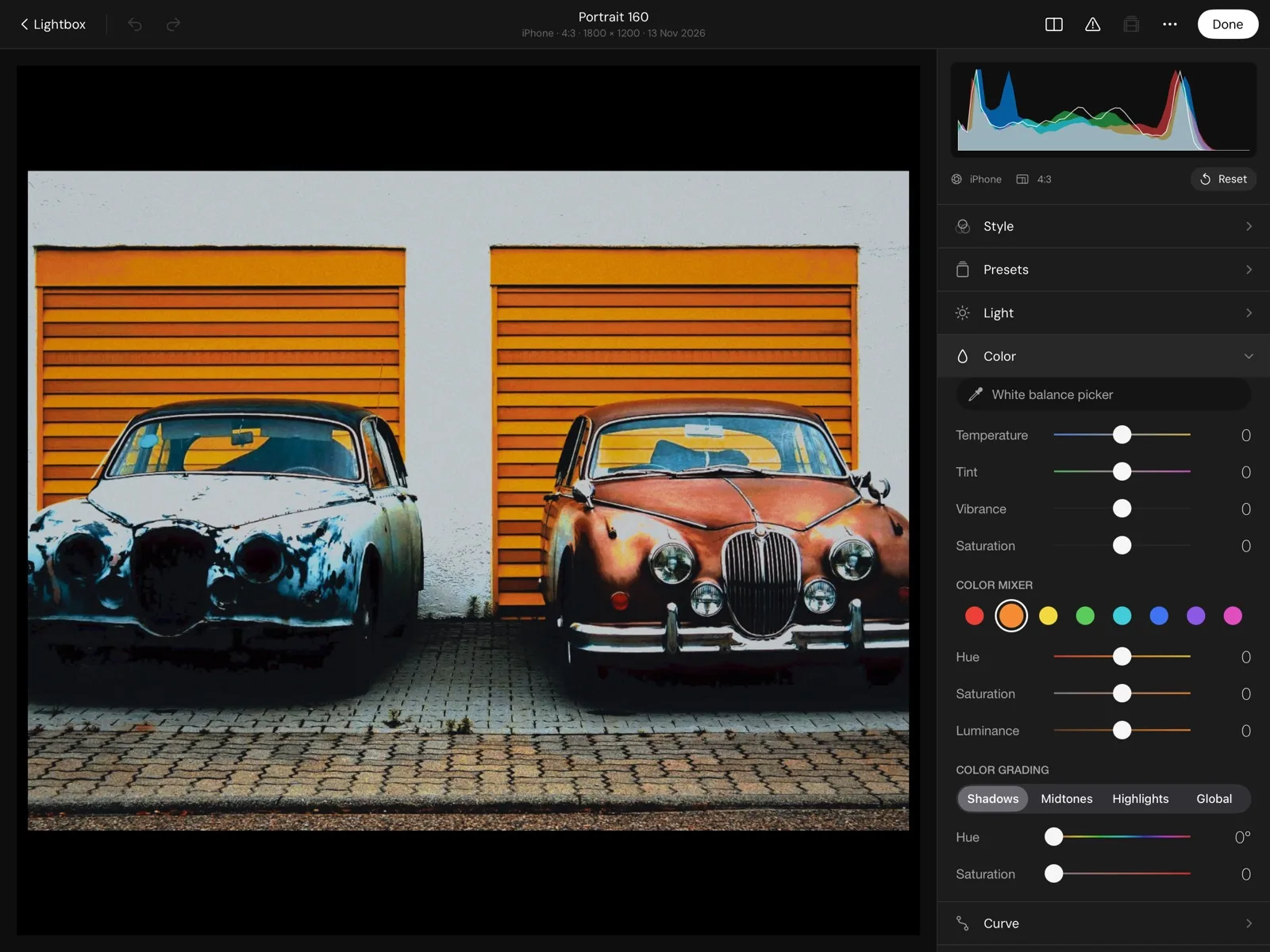
The same looks, on any photo.
Light, color, curves and masks with the original kept untouched. Change the look whenever you want.
- Classic looks
- Color mixer
- Grading
- Curves
- Masks
- Non-destructive
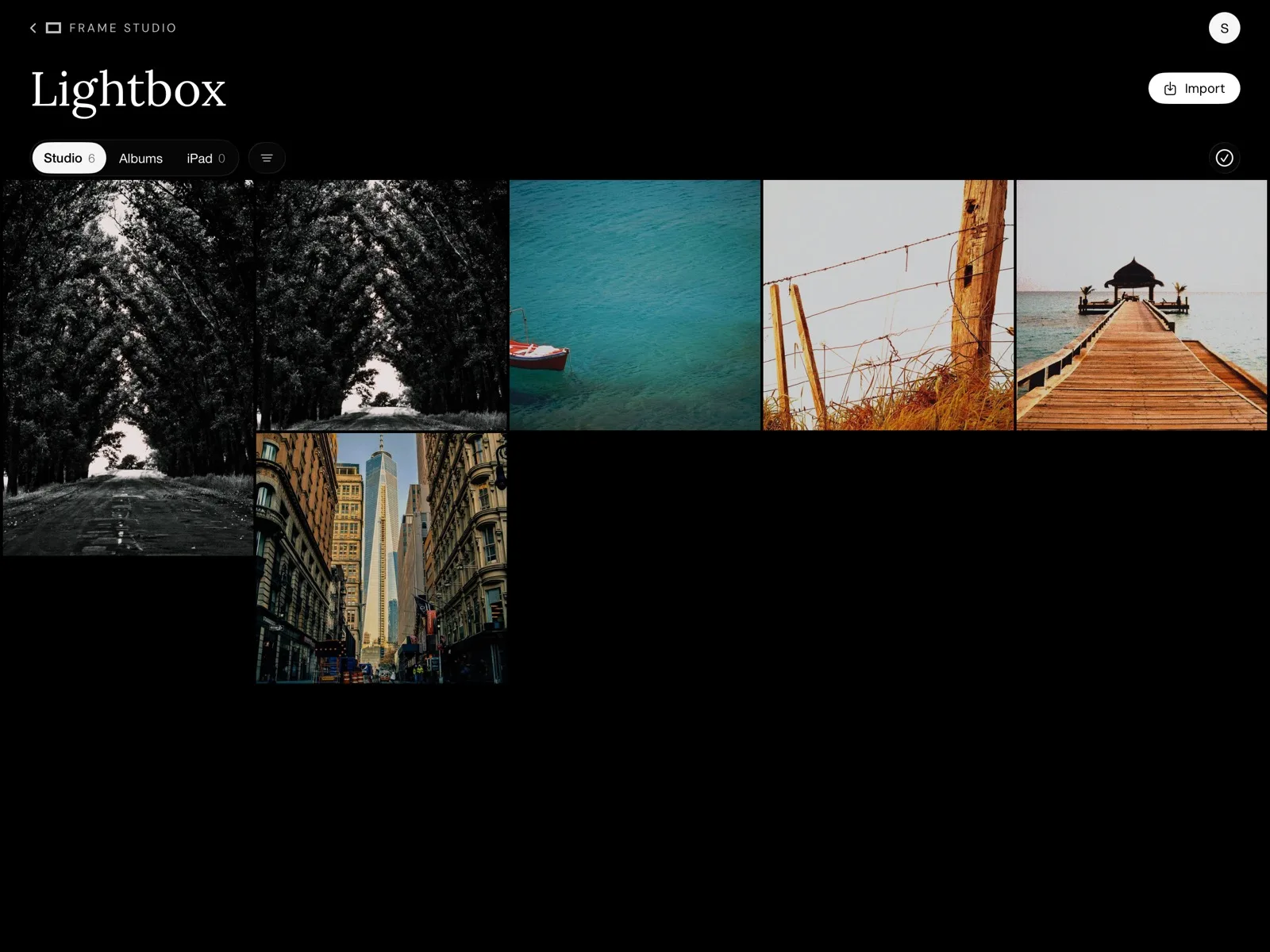
Lightbox
All your photos in one place.
What you shot with Frame Cam, what you uploaded on the site and what you import from the iPad library or from Files.
Questions
Do I need Frame Cam?
No. Frame Studio works on its own, and if you also use Frame Cam, your photos and stories are shared through your account.
Which iPads are supported?
Any iPad with iPadOS 26 or later.
Are my originals changed?
Never. Every edit is non-destructive.